YouTube to MP3 Convertor Explained: How the Technology Really Works
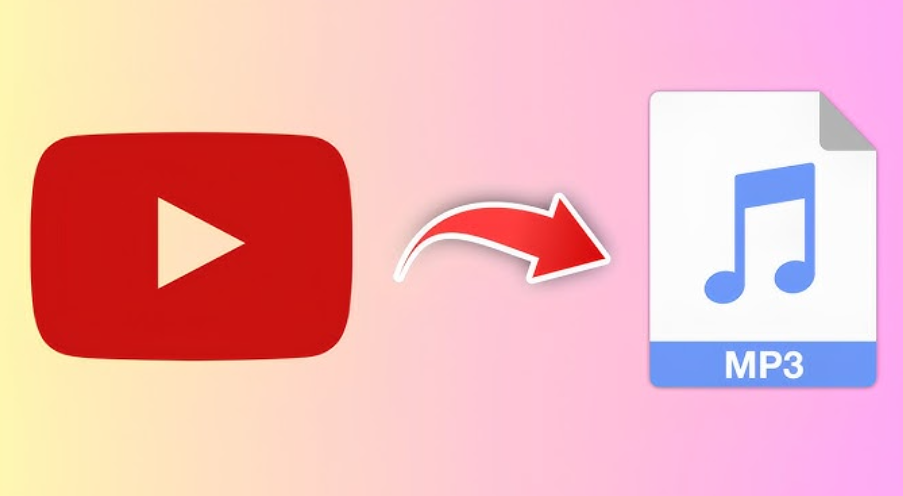
At its core, a YouTube to MP3 convertor exists to separate audio data from video streams and repackage it into a standalone sound file. While this sounds simple on the surface, the underlying technology involves multiple processing layers that ensure audio integrity, synchronization, and compatibility. For users, the experience feels instant—but behind the scenes, several technical steps are taking place.
How Video Streams Contain Audio Data
Online video files are not single, unified elements. They are containers that hold separate streams for video, audio, subtitles, and metadata. When a video plays, the device synchronizes these streams in real time. A convertor identifies the audio stream within the container and isolates it without touching the visual component. This separation is what allows audio extraction to occur efficiently.
Decoding and Re-encoding Explained
Once the audio stream is isolated, it must be decoded from its original compression format. Most online videos use compressed audio codecs designed for streaming efficiency rather than long-term storage. The convertor temporarily decodes this stream into raw audio data, which is then re-encoded into MP3 format. Tools such as FastYTM online tool rely on optimized encoding logic to balance sound quality and file size during this stage.
See also: Advanced Dehumidification Technologies for Industrial Efficiency
Why MP3 Is Still Widely Used
MP3 remains a dominant format because it is universally supported and computationally efficient. It compresses audio by removing frequencies that are less perceptible to the human ear, reducing file size while maintaining acceptable clarity. This makes MP3 ideal for offline playback, storage, and compatibility across devices old and new.
Handling Bitrates and Audio Quality
One critical technical decision in conversion is bitrate selection. Bitrate determines how much audio data is preserved per second. Higher bitrates improve clarity but increase file size, while lower bitrates reduce storage requirements at the cost of detail. Conversion systems dynamically manage this balance to ensure consistent output without distortion or clipping.
Managing Sync and Audio Length
Another technical challenge is ensuring that the extracted audio maintains correct timing. Improper stream handling can lead to truncated files or timing mismatches. Modern convertors verify timestamps and frame alignment to preserve the full duration of the audio track.
File Packaging and Metadata
After encoding, the MP3 file is packaged with optional metadata such as track length and encoding parameters. This ensures that the file behaves predictably when played on different devices. Accurate packaging also improves compatibility with audio players and library software.
Performance Optimization Behind the Scenes
Efficient conversion requires minimal system resources. Advanced processing pipelines prioritize lightweight decoding and fast encoding to avoid unnecessary CPU strain. This is especially important for online tools that must deliver results quickly across a wide range of devices.
Why the Technology Feels Instant
Although multiple steps occurstream identification, decoding, re-encoding, and packagingthe process feels immediate due to optimized algorithms and parallel processing. Systems like FastYTM online tool are designed to reduce latency while maintaining stable output quality.
The Bigger Picture
Understanding how a YouTube to MP3 convertor works reveals that it’s not just a simple download function. It’s a carefully engineered process that balances speed, quality, and compatibility. As media consumption continues shifting toward audio-first experiences, this technology remains a foundational part of how users interact with digital sound.